
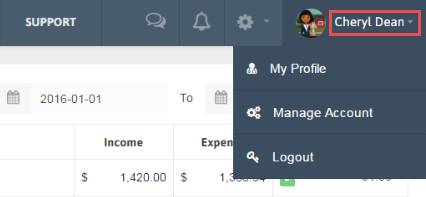
1. Click the arrow beside your Name in the Menu.
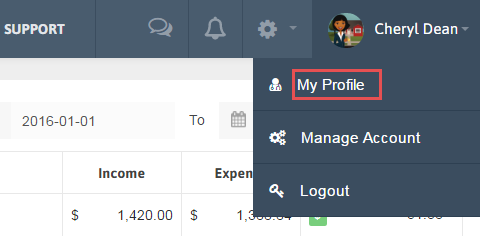
2. Click My Profile.
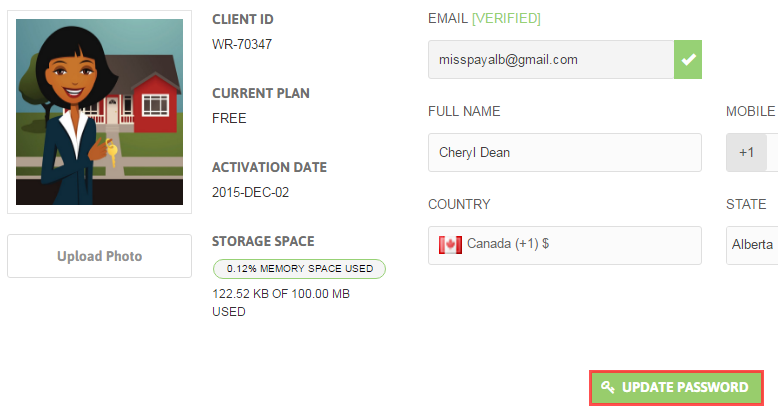
3. Click ‘Update Password’ button.
4. A popup will be opened; enter your Old password along with the New Password and Confirm Password. By clicking on Show you can view your password before updating it.
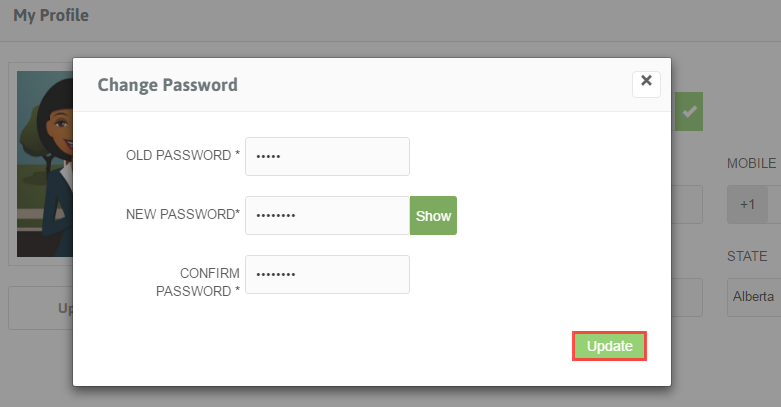
5. Click ‘Update’ button.