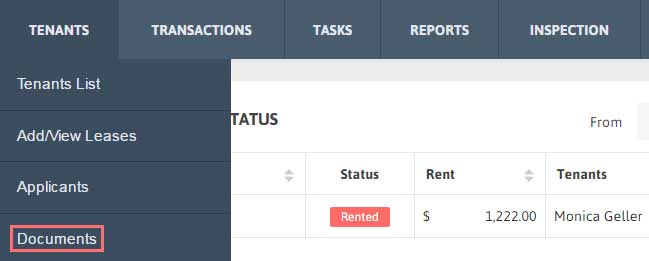
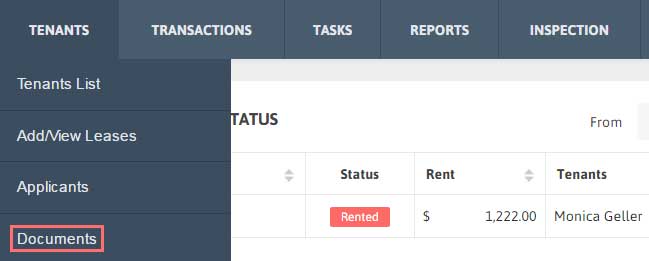
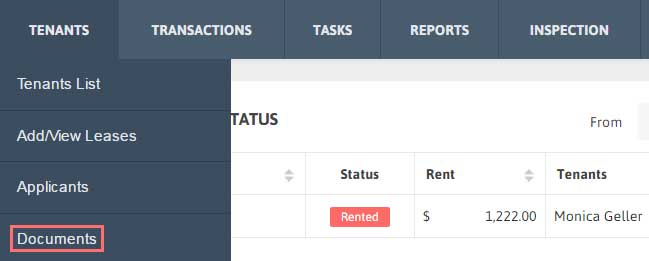
1. Click Tenants → Documents from the Menu.
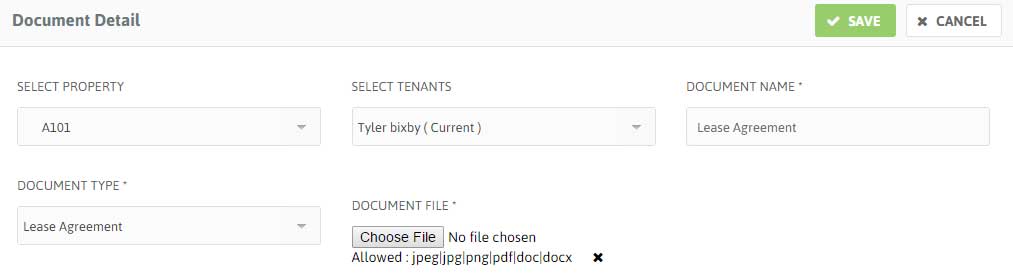
2. Click Add New. Fill the details of the Document and then Upload the document.

3. Click ‘Save’ button.

1. Click Tenants → Documents from the Menu.
2. Click Add New. Fill the details of the Document and then Upload the document.
3. Click ‘Save’ button.
1. Click Tenants → Documents from the Menu.
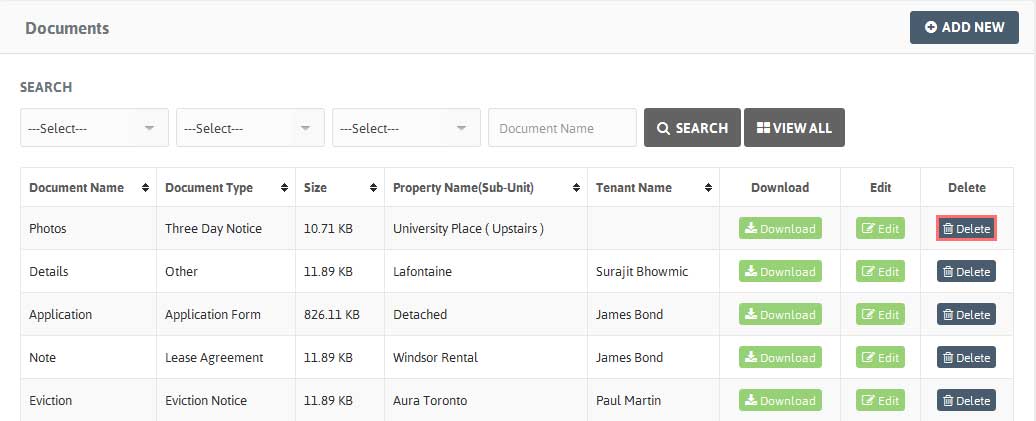
2. A table with Documents list will be shown along with Document Name, Document Type, Size, Property Name (Unit) and Tenant Name.
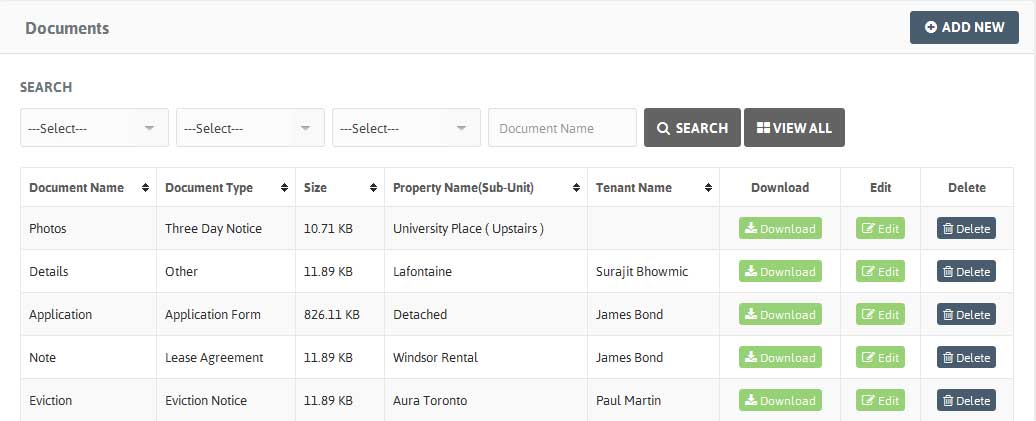
3. You can also sort the Document Name, Document Type, Size, Property Name (Unit), Tenant Name.
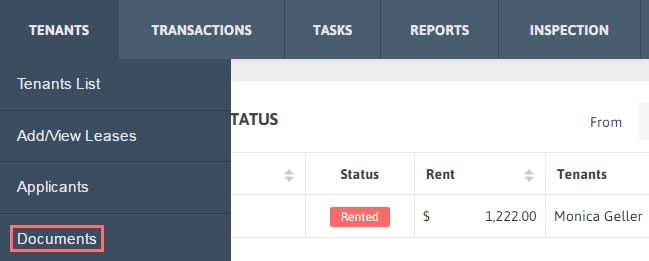
1. Click Tenants → Documents from the Menu.
2. Select the Document you want to download, click on the ‘Download’ button under Download.
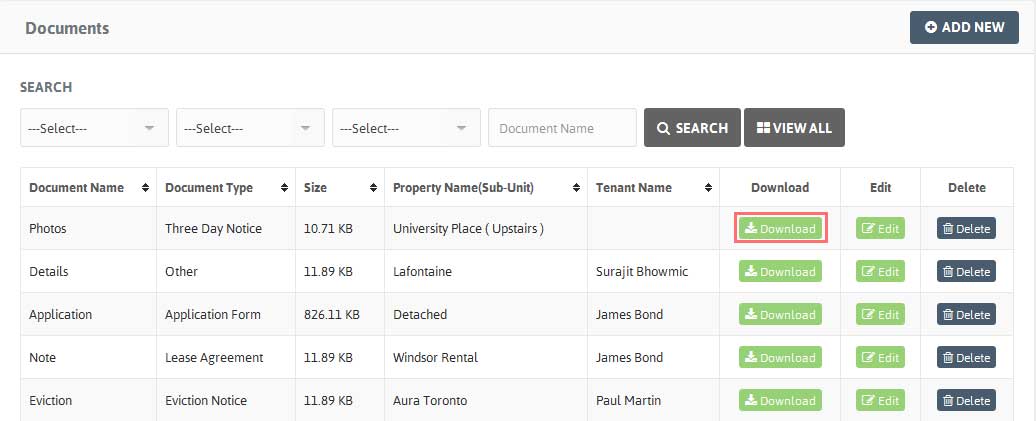
3. The document will be downloaded.
Edit the Document details:
1. Click Tenants → Documents from the Menu. Choose the Document you want to edit, click on ‘Edit’ button.
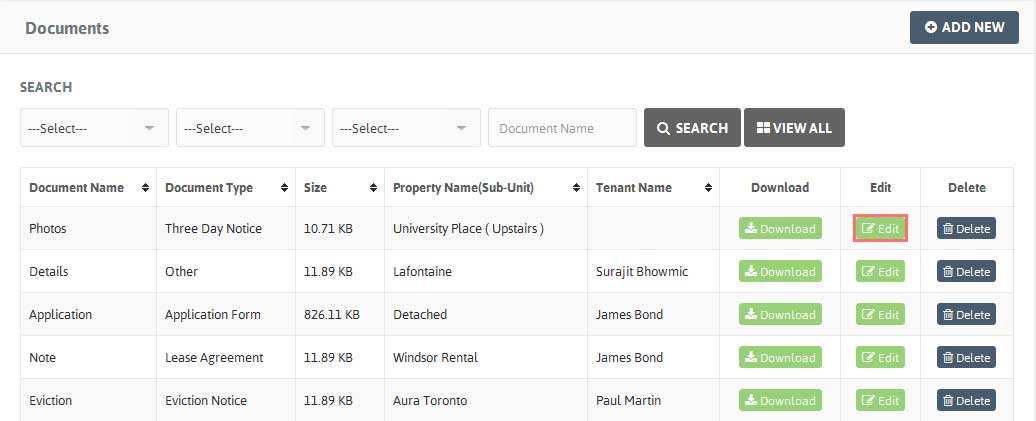
2. Modify the Document details and Click ‘Save’.
Delete the Document details:
1. Click Tenants → Documents from the Menu.
2. Choose the Document you want to delete, click on arrow under Action and click ‘Delete’ button.