
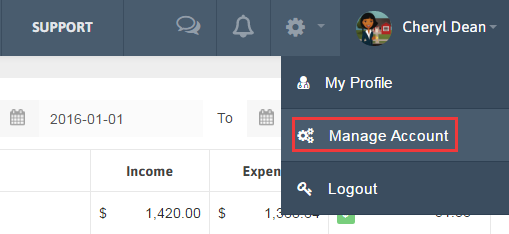
1. Click the arrow beside your Name in the Menu and click Manage Account.
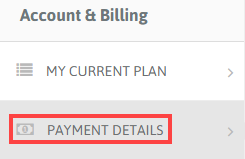
2. Click the Payment Details tab under Account & Billing from Left sidebar.
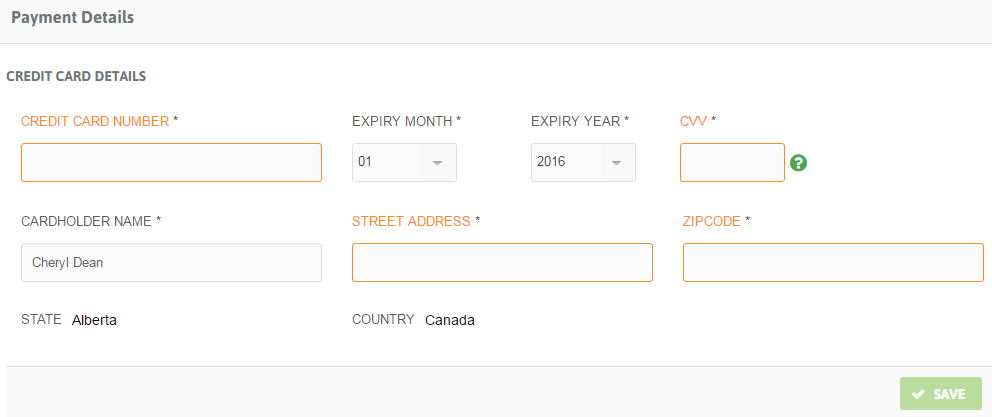
3. Add Credit card details and click ‘Save’ button.
4. Also you can see your payment history below.