Edit Inspection:
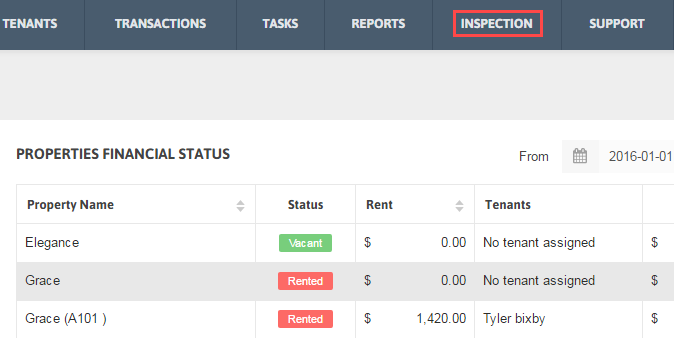
1. Click Inspection from the Menu.
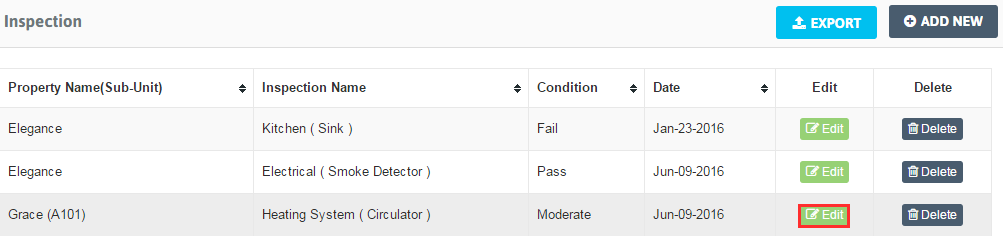
2. Choose the Inspection you want to edit, click on ‘Edit’ button.
3. Modify the data you want. Click ‘Save’ button.
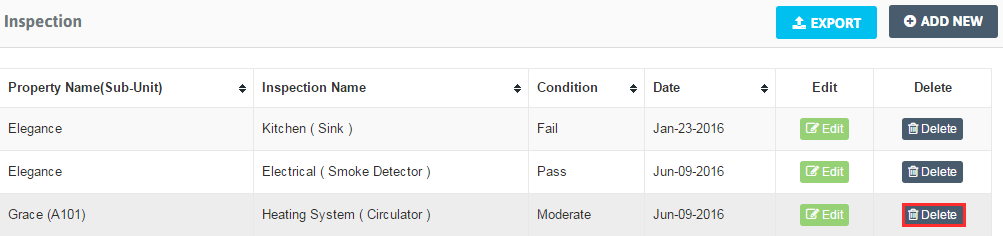
Delete Inspection: 1. Click Inspection from the Menu.
2. Click Delete for all or any Inspection you want to remove from the inspection list and click ‘Save’.