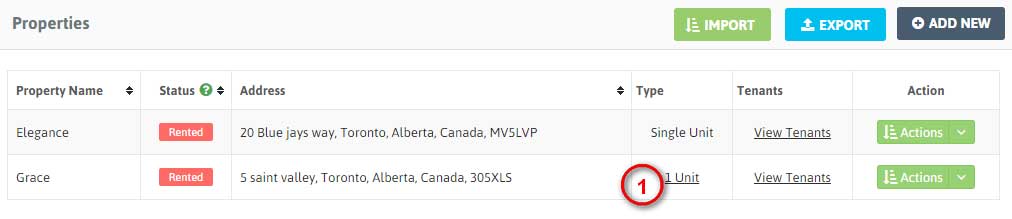
1. You can view Property Units in 2 ways:
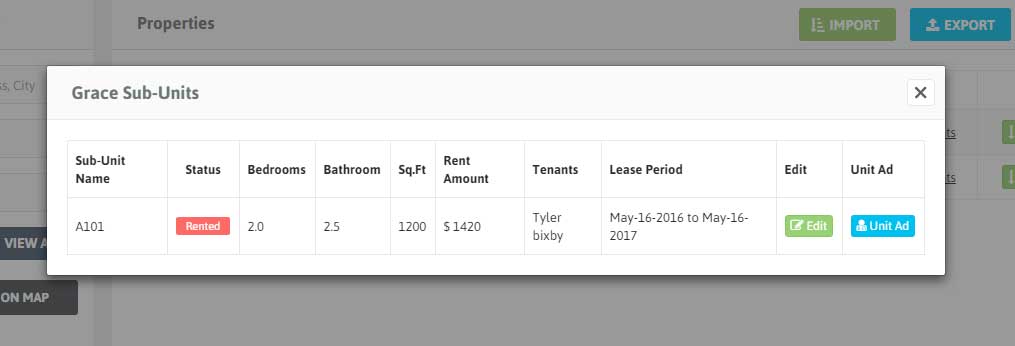
– You can click on Property ‘Type’ of any property to view its units. When you click on ‘Type’ you’ll see a Pop up window with Details of that Property Unit. To edit the details of the unit click ‘Edit’.
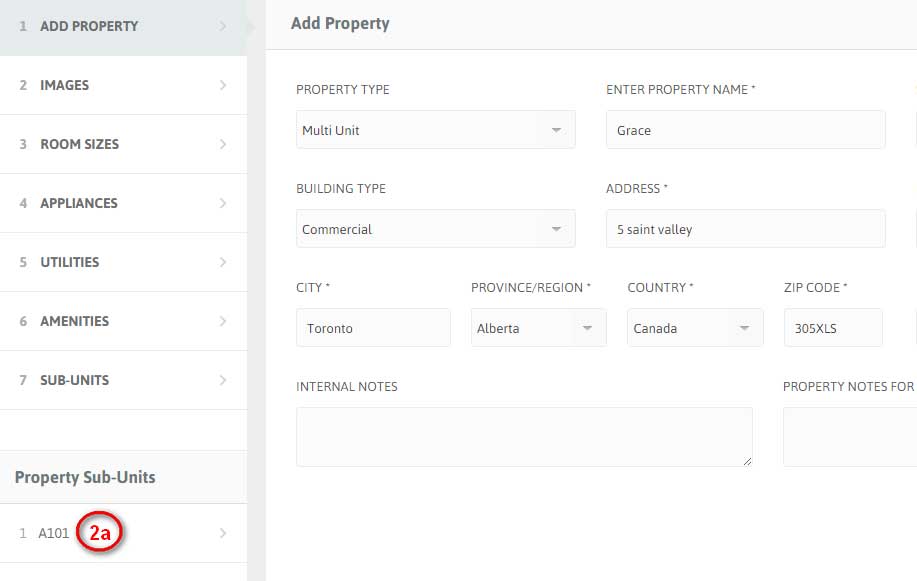
– You can also click on ‘Edit’ button of any Property from the Property List. And then click unit’s name from ‘Properties Unit’ on Left sidebar.