
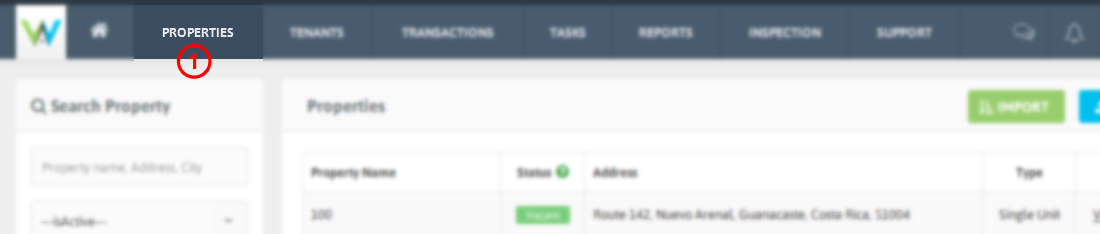
1. Click Properties from the top Menu.
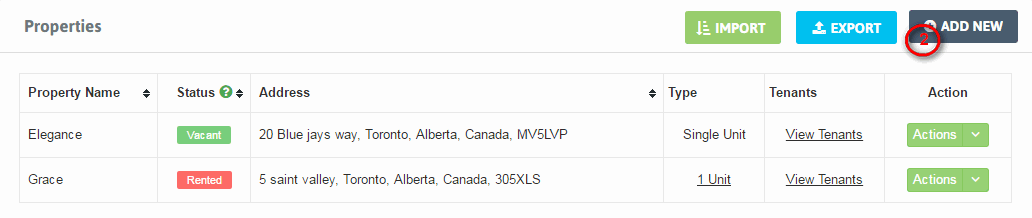
2. Click Add New.
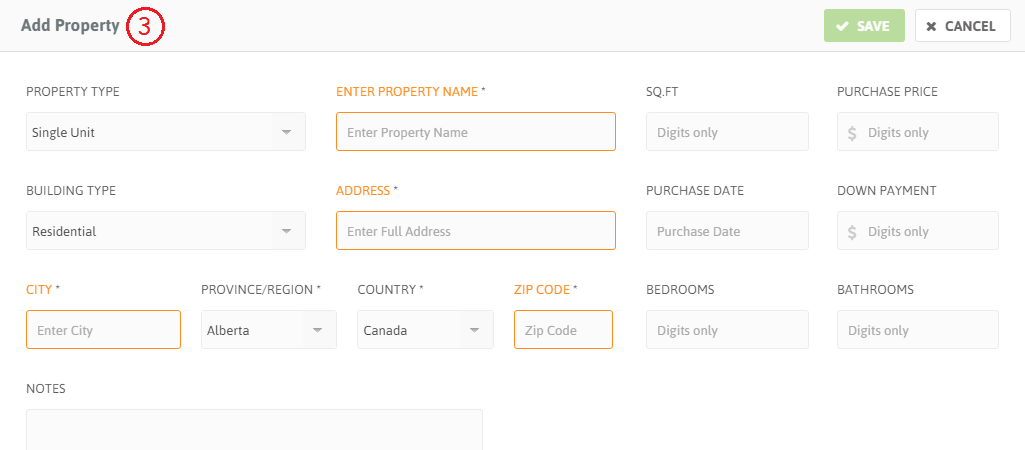
3. Fill the required details for your Property.
4. If your Property includes multiple units, select Multi Unit as Property Type.
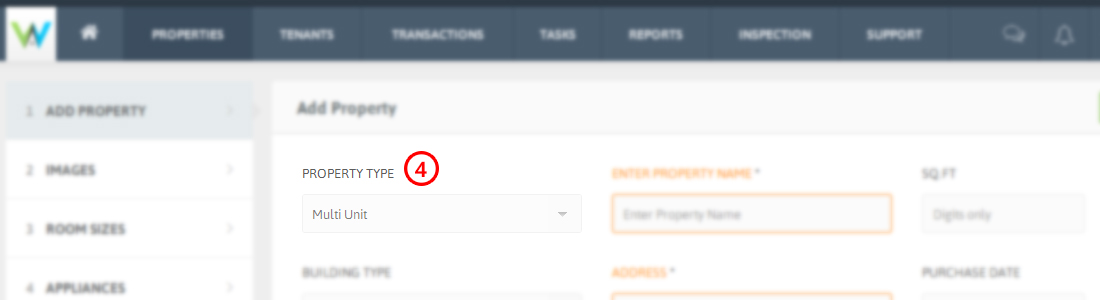
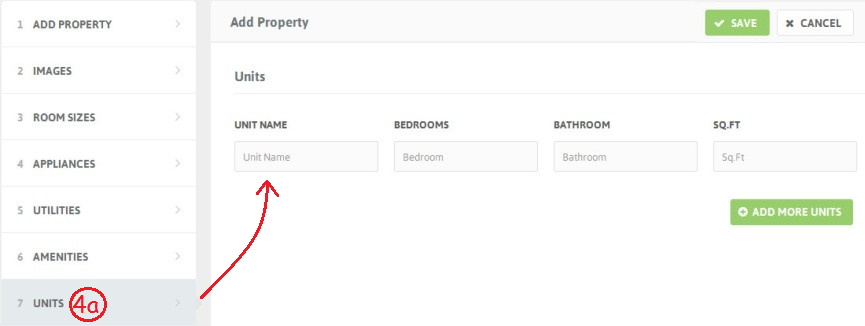
4a. Add multiple units of a Property by clicking Units from Left sidebar. Fill the details for the unit. Click Add more units for creating additional units.
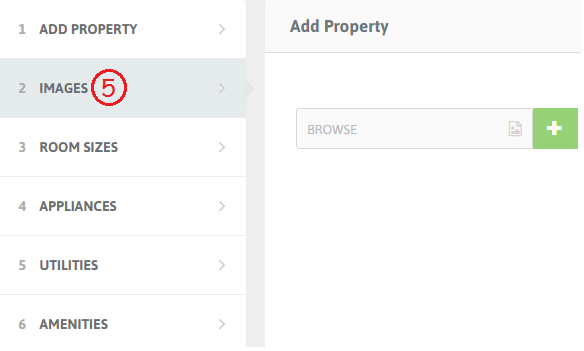
5. Click Images on the Left Sidebar to add images of your Property. Click [+] to add more images.
-You can add Room sizes, Appliances, Utilities and Amenities details from the Left sidebar options. As shown in above screenshot.
6. After filling required details, Click Save to add your Property.